
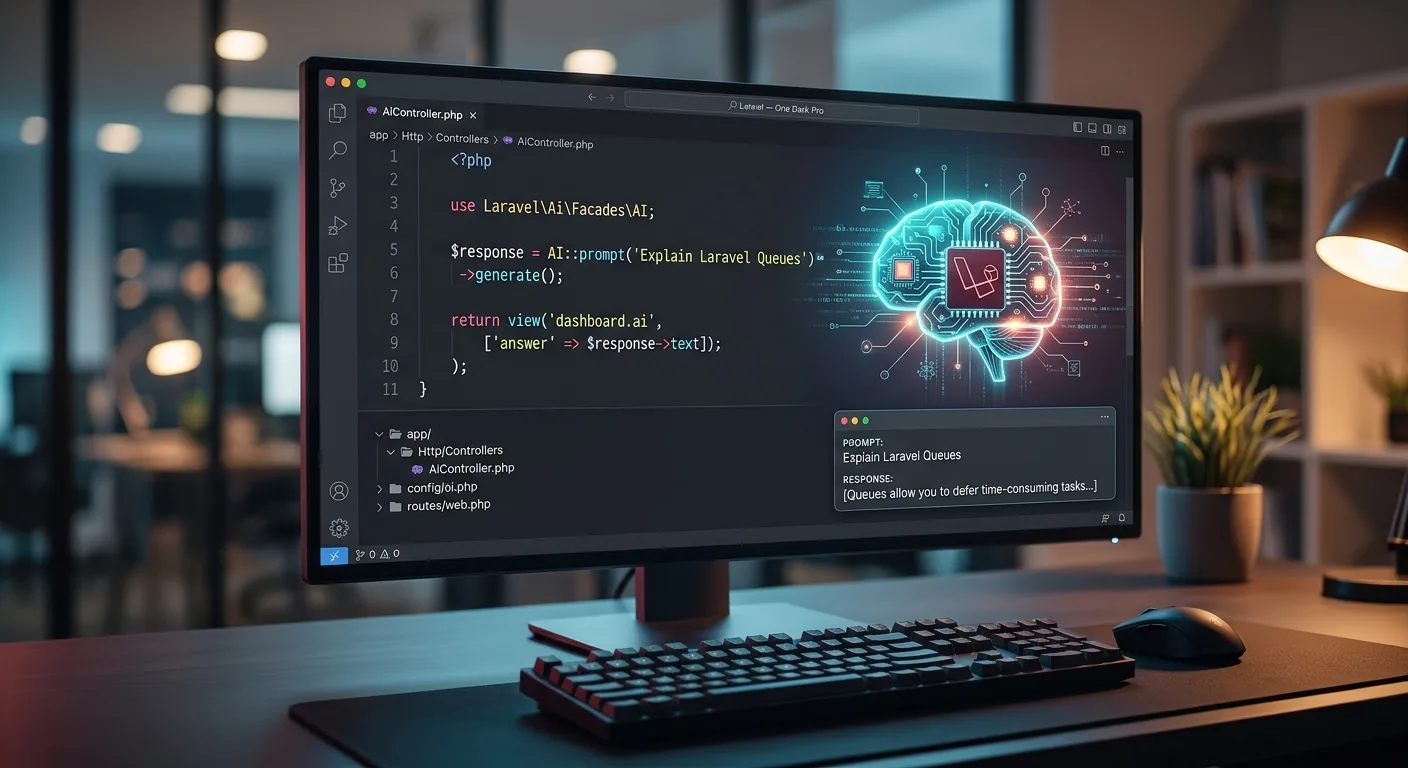
If you have tried wiring up OpenAI, Claude, or Gemini inside a PHP project over the past couple of years, you probably know the drill: juggling multiple third-party wrappers, writing messy HTTP client boilerplate, and praying you don't have to rewrite half your service layer if you decide to switch providers next month.
Laravel’s official laravel/ai package fixes that headache. Instead of treating AI like an awkward external integration, it gives you a clean, predictable API that feels right at home alongside Eloquent, Queues, and Events.
Here is a practical walkthrough of how laravel/ai works, how to get it running in a few minutes, and a few patterns you will actually use in production.
Why laravel/ai Makes Sense
At its core, laravel/ai is a unified layer over major AI providers—including OpenAI, Anthropic, Google Gemini, and local setups like Ollama.
The real win here isn't just cleaner syntax; it's flexibility. If a new model drops tomorrow or one provider raises its prices, swapping your backend from OpenAI to Gemini is a config change rather than a refactoring sprint.
A few things it handles out of the box:
- One API for multiple providers: Text generation, chat, and embeddings share the exact same interface.
- Dedicated Agent classes: Keep your system prompts and tool definitions organized in their own classes instead of cluttering your controllers.
- Guaranteed JSON structures: Enforce strict schemas so the model returns data your database can actually trust.
- Real-time streaming & background queues: Stream responses straight to the frontend, or push heavy prompts onto a Laravel queue worker.
- Built-in testing fakes: Mock AI responses with
AI::fake()so your test suite stays fast and free.
Getting Started
Pull the package in via Composer:
composer require laravel/ai
Next, publish the configuration file and run the migrations:
php artisan vendor:publish --provider="Laravel\Ai\AiServiceProvider"
php artisan migrate
Drop the API keys you need into your .env file:
OPENAI_API_KEY=your-openai-api-key
ANTHROPIC_API_KEY=your-anthropic-api-key
GEMINI_API_KEY=your-gemini-api-key
Four Patterns You Will Actually Use
1. Quick Text Generation
When you just need a fast response from a prompt, the AI facade gets straight to the point:
use Laravel\Ai\Facades\AI;
$response = AI::prompt('Explain the benefit of Laravel Queues in two short sentences.')
->generate();
echo $response->text;
2. Encapsulating Logic in an Agent
Hardcoding long system prompts inside controllers gets messy fast. Instead, spin up a dedicated Agent class:
php artisan make:agent SupportAssistant
This generates app/Ai/Agents/SupportAssistant.php, where you can isolate your instructions:
namespace App\Ai\Agents;
use Laravel\Ai\Contracts\Agent;
use Laravel\Ai\Promptable;
class SupportAssistant implements Agent
{
use Promptable;
public function instructions(): string
{
return 'You are a helpful customer support agent. Keep answers polite, accurate, and under three sentences.';
}
}
Calling it anywhere in your codebase stays clean and readable:
$reply = (new SupportAssistant)->prompt('My order still has not arrived.');
3. Getting Structured JSON You Can Trust
Asking an LLM to "please reply only in JSON" eventually breaks in production. With asStructured(), you define the exact schema you expect back:
use Illuminate\Contracts\JsonSchema\JsonSchema;
use Laravel\Ai\Facades\AI;
$data = AI::prompt('Extract sentiment and rating from this review: "The product is great, though delivery was late."')
->asStructured(function (JsonSchema $schema) {
return [
'sentiment' => $schema->string()->enum(['positive', 'neutral', 'negative'])->required(),
'rating' => $schema->integer()->min(1)->max(5)->required(),
'summary' => $schema->string()->required(),
];
});
// $data['sentiment'] -> 'positive'
// $data['rating'] -> 4
4. Working with Images and Audio
You don't need separate packages for media tasks either. Generating images or transcribing audio files uses the same fluent style:
use Laravel\Ai\Image;
use Laravel\Ai\Audio;
// Generate and store an image
$image = Image::of('A futuristic skyline in Lahore at sunset')->generate();
$image->store('images/lahore.png');
// Transcribe an audio file
$transcript = Audio::fromPath(storage_path('app/meeting.mp3'))->transcribe();
Wrapping Up
The best developer tools get out of your way. laravel/ai removes the glue code around LLM APIs and lets you treat AI features like any other part of your Laravel stack queueable, testable, and easy to maintain.

Comments (0)
Sign in to join the conversation.
No comments yet. Be the first to share your thoughts.